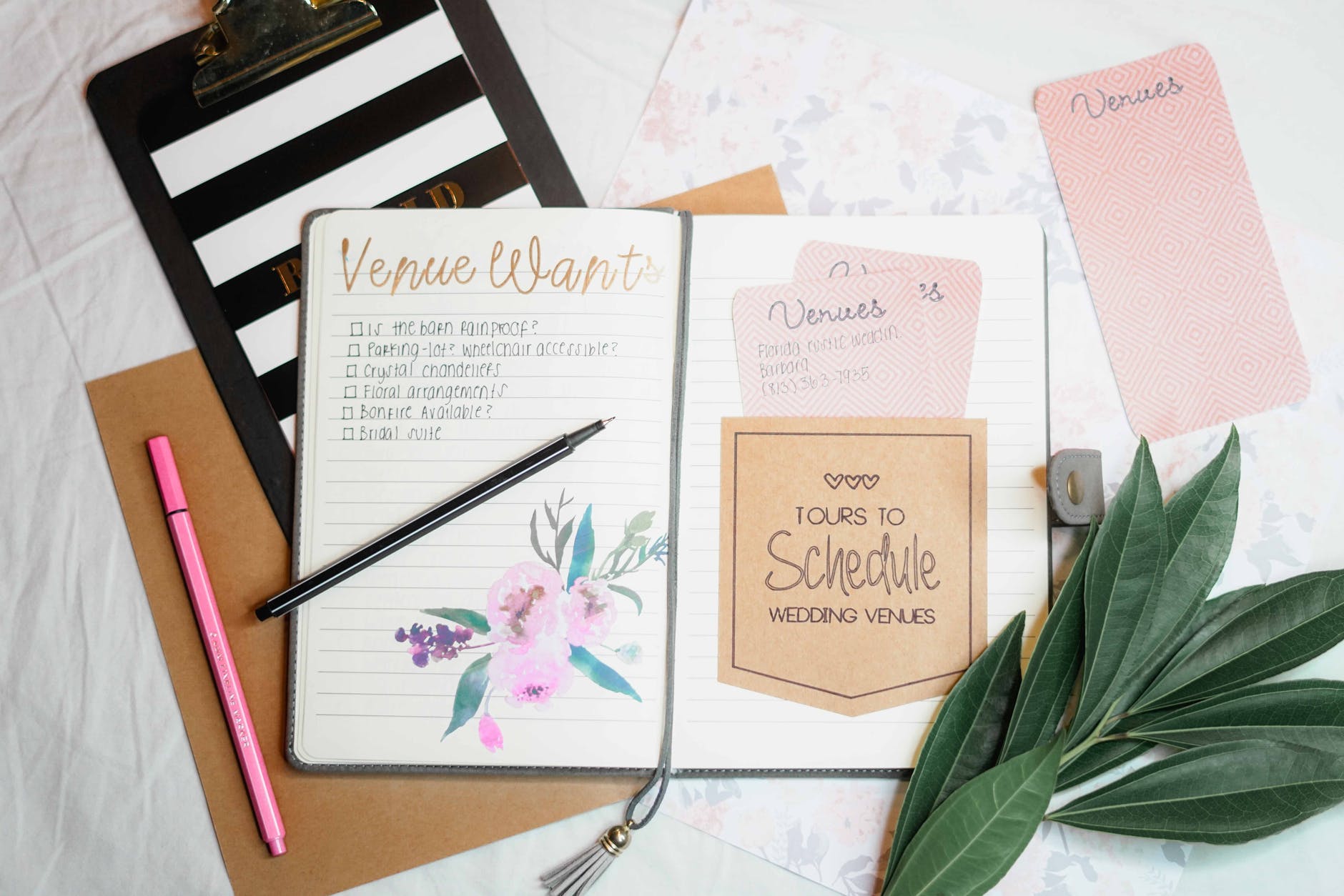
We have all been there: a desk littered with neon sticky notes, scribbles on the back of receipts, and a nagging feeling in the back of your mind that you forgot something incredibly important.
Historically, we relied on pen and paper to keep our lives on track. But in our fast-paced, multi-screen world, our daily tasks need to adapt. That is where a to-do list app comes in.
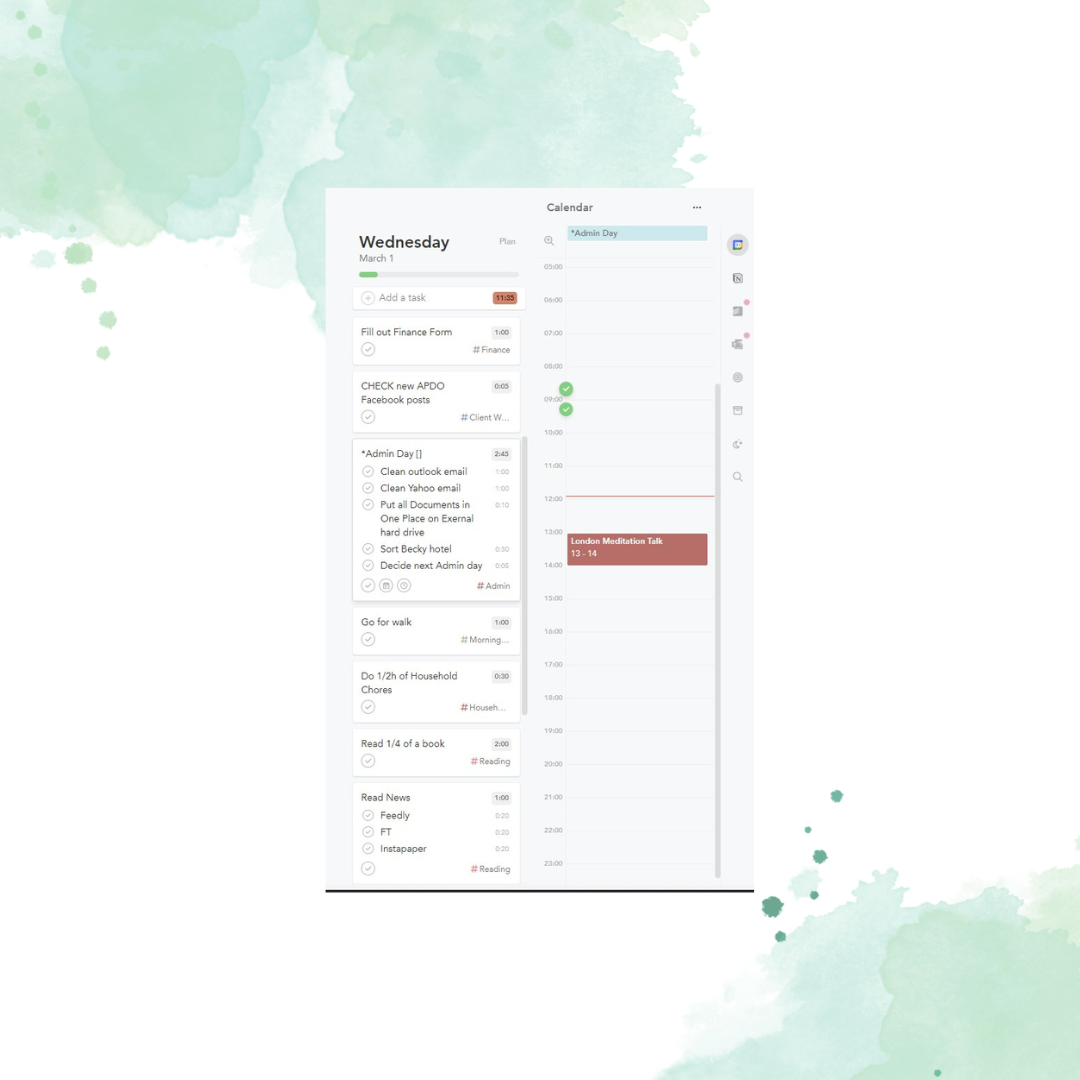
At its simplest, a to-do list app is a digital task manager designed to help you capture, organise, prioritise, and track everything you need to accomplish. It turns chaotic mental clutter into a streamlined, actionable plan.
What Makes a To-Do List App Different from Paper?
While a paper notebook is great for tactile satisfaction, it lacks the dynamic features that keep up with modern life. A robust digital task manager is built around several key superpowers:
- Smart Reminders: You cannot set a paper notebook to ping your phone at 3:00 PM to remind you to join a critical meeting or pick up groceries.
- Recurring Tasks: Instead of writing “pay rent” or “water plants” every single month or week, you write it once, set it to repeat, and let the app handle the rest.
- Categorisation & Tagging: You can group tasks by “Work,” “Personal,” “Urgent,” or “Errands.” This allows you to filter your view so you only see what is relevant to your exact moment.
- Seamless Syncing: Because these apps live in the cloud, you can add a task on your laptop at work, and it will instantly show up on your phone when you are standing in line at the supermarket.
The Comparison: Paper vs Digital
To see how a dedicated app holds up against the classic notepad, here is a quick breakdown:
| Feature | Pen & Paper | To-Do List App |
| Searchability | Hard (skimming pages) | Instant (search bar) |
| Flexibility | Low (messy scribbles/erasing) | High (drag-and-drop, quick edits) |
| Deadlines | Manual tracking | Automatic alerts & sorting |
| Collaboration | Hard to share | Easily assign tasks to others |
| Portability | Must remember to carry it | Always on your phone/wearable |
The Science of Why They Work: Beating the “Zeigarnik Effect”
Have you ever noticed how tasks you haven’t finished keep looping in your head, but the moment you write them down, your brain finally calms down?
Psychologists call this the Zeigarnik Effect—the human brain’s natural tendency to remember uncompleted tasks better than completed ones. Your brain hates open loops. It will constantly remind you of them, causing background anxiety.
By dumping those tasks into a trusted digital system, you close the loop. You are telling your brain, “I have recorded this, and it will remind me at the right time.” This frees up immense cognitive energy, allowing you to focus on the task actually in front of you instead of worrying about the ten things you have to do next.
Finding the Right One for You
To-do list apps are not one-size-fits-all. Some are incredibly minimal, mimicking a plain sheet of digital paper, while others are powerhouse productivity systems equipped with subtasks, file attachments, and project tracking boards.
The best app is simply the one you will actually use. By getting those stray thoughts out of your head and into a system, you are
trabantbettina

Bettina Anna Trabant, Founder of Life Organised, your professional organising and decluttering service in East London. Eco-conscious minimalist and avid tea drinker,